Good News!
If you have your seed phrase, recovery is straightforward. You don't need wallet files, passwords, or even MultiBit software. Your seed phrase contains everything needed to restore your Bitcoin.
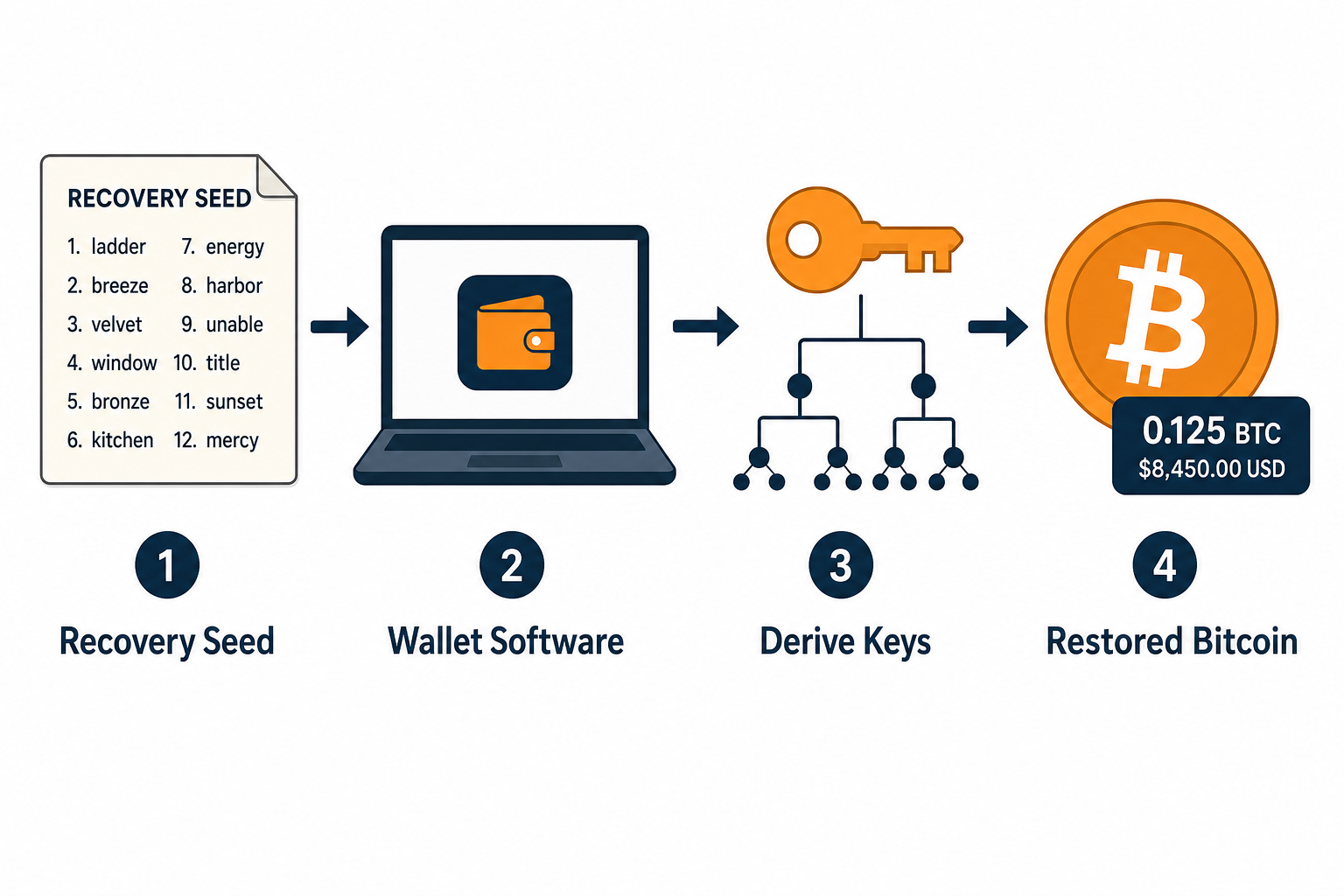
Understanding Seed Phrases
A seed phrase (also called mnemonic, recovery phrase, or backup phrase) is a list of words that stores all the information needed to recover a Bitcoin wallet. MultiBit HD used BIP39 standard seed phrases, which are compatible with many modern wallets.
MultiBit HD Seed Phrase Characteristics
- Word count: 12 or 24 words
- Language: English (from BIP39 wordlist)
- Format: All lowercase, common English words
- Standard: BIP39/BIP44 compatible
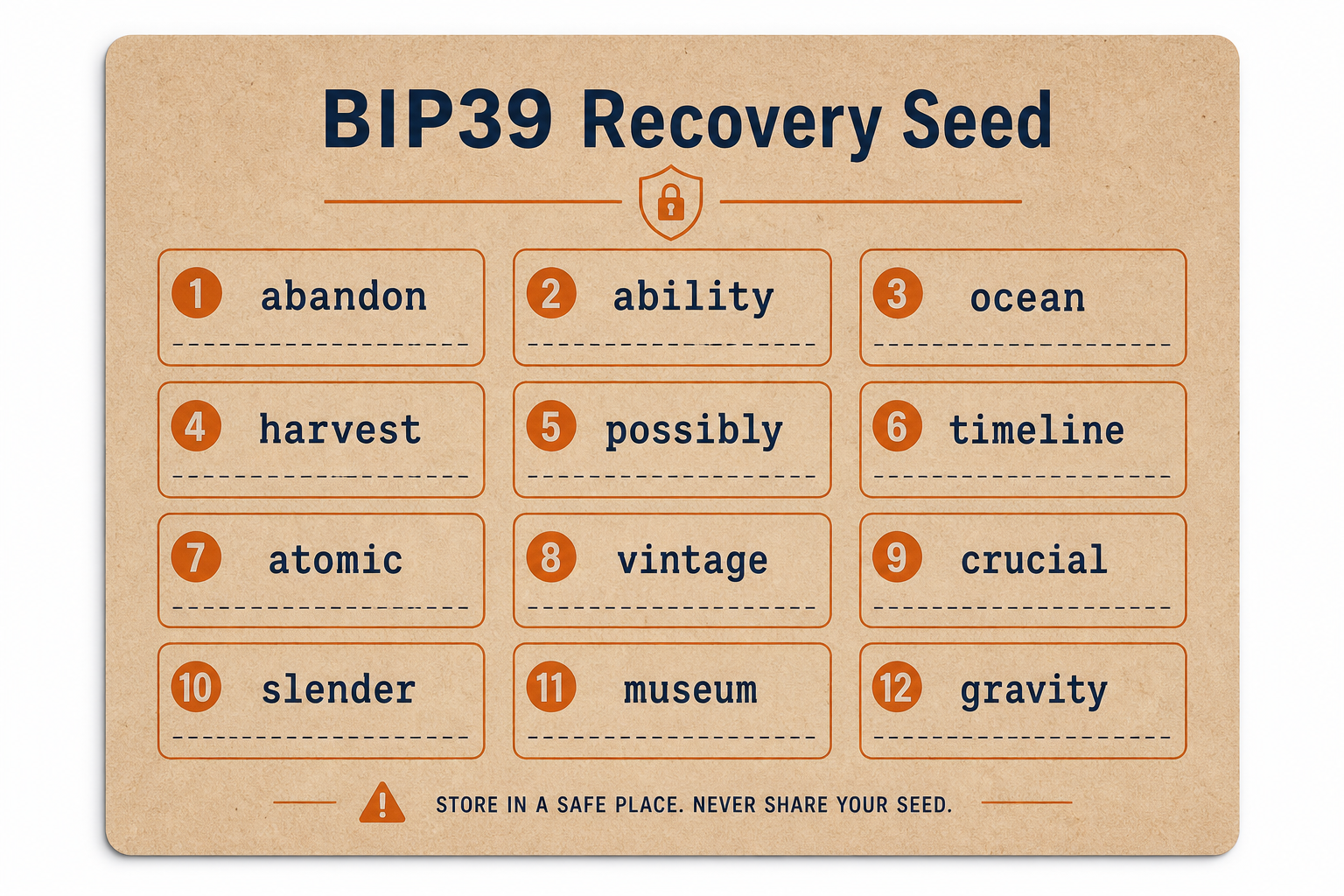
Step 1: Verify Your Seed Phrase
Before attempting recovery, verify your seed phrase:
- Count the words: Should be exactly 12 or 24 words
- Check spelling: Each word should be a common English word
- Verify against BIP39 wordlist: All words must be from the official BIP39 list
- Check order: The word order matters — make sure you have them in sequence
Step 2: Choose Your Recovery Wallet
We recommend Electrum for recovering MultiBit HD seeds. It's:
- Open source and well-audited
- Supports BIP39 seed phrases
- Supports the correct derivation path for MultiBit HD
- Lightweight and fast
- Available for Windows, Mac, and Linux
Other compatible wallets include Wasabi Wallet, Sparrow Wallet, and hardware wallets like Ledger and Trezor.
Step 3: Download and Verify Electrum
- Visit electrum.org
- Download the version for your operating system
- Verify the download: Check GPG signatures to ensure you have the authentic software
- Install Electrum
Step 4: Recover in Electrum
- Launch Electrum
You'll see the wallet creation wizard.
- Create new wallet
Name it something like "MultiBit HD Recovery"
- Select wallet type
Choose "Standard wallet"
- Select keystore
Choose "I already have a seed"
- Enter your seed phrase
Type your 12 or 24 words, separated by spaces
- Important: Click "Options"
Check "BIP39 seed" — required for MultiBit HD seeds
- Select derivation path
For MultiBit HD, use the default BIP44 path:
m/44'/0'/0' - Set wallet password
Choose a strong password to encrypt your new Electrum wallet
Step 5: Wait for Synchronization
After wallet creation, Electrum will:
- Connect to Electrum servers
- Derive addresses from your seed
- Scan for transactions on those addresses
- Calculate your balance
This process may take several minutes depending on your internet connection and how many transactions your wallet had.
Step 6: Verify Your Balance
Once synced, check:
- Balance: Shown at the bottom of the window
- History tab: Lists all your transactions
- Addresses tab: Shows receiving and change addresses
If Balance Shows Zero
Try these steps:
- Wait for full sync: Look for "synchronized" status in the bottom right corner
- Check derivation path: Try different paths in case MultiBit used a non-standard path:
m/44'/0'/0'— Standard BIP44m/0'/0— Some early HD walletsm/0— Simple path
- Increase gap limit: In Electrum console, run:
wallet.change_gap_limit(50) - Verify seed words: Double-check spelling and order
Step 7: Transfer to Fresh Wallet (Recommended)
For maximum security, transfer your Bitcoin to a new wallet:
- Create a new Electrum wallet with a fresh seed
- Write down the new seed phrase securely
- Get a receiving address from the new wallet
- Send all Bitcoin from recovered wallet to new address
- Wait for confirmation
MultiBit HD Derivation Path Details
MultiBit HD used BIP44 derivation with some variations. If the standard path doesn't work, here's technical information that may help:
MultiBit HD BIP44 Path:
Standard:    m/44'/0'/0'/0  (receiving addresses)
             m/44'/0'/0'/1  (change addresses)

If using BIP32: m/0'/0      (older format)
Common Questions
Do I need my MultiBit HD password?
No! The seed phrase alone contains everything. The password only encrypted the local wallet file. With your seed phrase, you can recover without the password.
What if I have both seed phrase and wallet file?
Use the seed phrase method — it's simpler and more reliable. The wallet file is only needed if you've lost your seed phrase.
Can I use a hardware wallet?
Yes! Ledger, Trezor, and other hardware wallets support BIP39 seed import. This is actually the most secure way to hold recovered Bitcoin long-term.
Security Best Practices
- Never enter your seed on any website
- Use a secure, offline computer if possible
- Create a new seed for long-term storage
- Store your new seed phrase on paper, not digitally
- Consider a hardware wallet for significant amounts
Need Professional Assistance?
If you're stuck or need expert help with seed phrase recovery, contact Crypto Recovers:
support@cryptorecovers.com →